
Creative & media
Drone Photography invoice template
A free, professional invoice template for drone photography work — billing for projects, usage rights, revisions, and milestones. Fill it in and send, or describe the job in one sentence and let Aviy’s AI build the drone photography invoice for you: line items, tax, due date, and a one-tap payment link included.
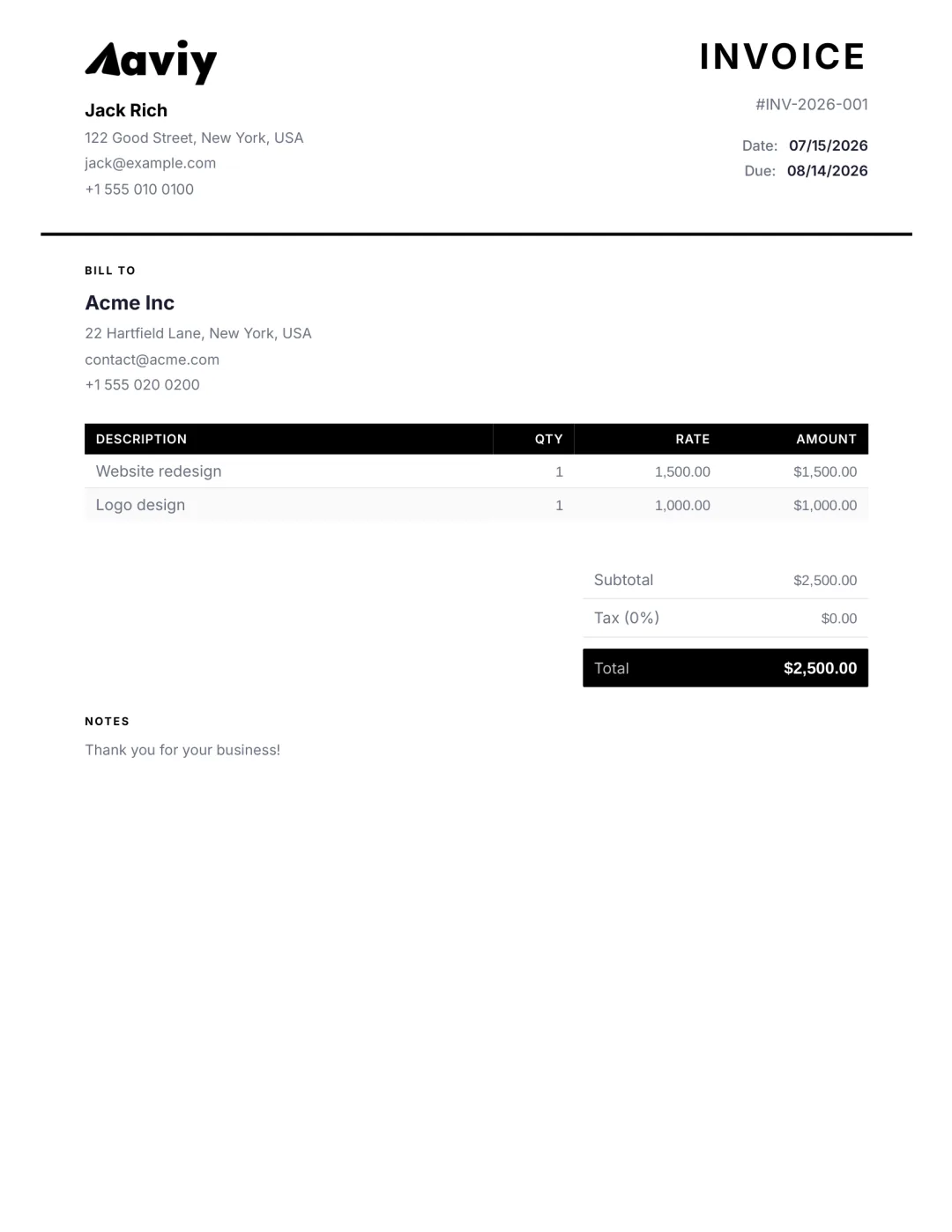
What to put on a drone photography invoice
- Project or deliverable, described clearly per line
- Day rate, project fee, or licensing/usage fee
- Revision rounds included, and the rate beyond them
- Milestone or deposit amounts already invoiced
- Expenses (travel, props, stock, software) if billable
- Tax where it applies to your work
- Payment terms and an online payment link
How to create one with Aviy
- 1Open the AI generator and describe the drone photography job in a sentence.
- 2Aviy parses the client, line items, amounts, tax, and due date into a finished invoice.
- 3Edit any field, add your logo, brand colour, and signature.
- 4Download the PDF or send it by email, WhatsApp, or SMS — with an online payment link.
In-depth guide
Drone Photography Invoice Template: Free Guide and Examples
Use a clear drone photography invoice template with flight, editing and licensing line items, plus a worked example to get paid faster and avoid disputes.
Read the full drone photography invoicing guide →Drone Photography invoice FAQ
What should a Drone Photography invoice include?
Your name or studio and contact, the client, a unique invoice number, the date, an itemised list of deliverables and fees, any usage or licensing terms, expenses, tax, the total due, and payment terms. Aviy generates it from a single sentence.
Should I invoice a deposit up front?
For most creative work, yes — a 30–50% deposit before you start protects your time. Invoice the deposit first, then bill the balance on delivery; Aviy tracks both against the project.
How do I bill for usage or licensing?
Add a separate line for the licence (scope, term, and territory) so it is distinct from your creative fee. That keeps the rights you are granting unambiguous on the invoice.
Stop copy-pasting spreadsheets
Describe the drone photography job in one sentence. Aviy generates a finished, professional invoice you can download or send in seconds — for free.