
Trades & home services
Security Company invoice template
A free, professional invoice template for security company work — billing for labour, materials, call-outs, and on-site work. Fill it in and send, or describe the job in one sentence and let Aviy’s AI build the security company invoice for you: line items, tax, due date, and a one-tap payment link included.
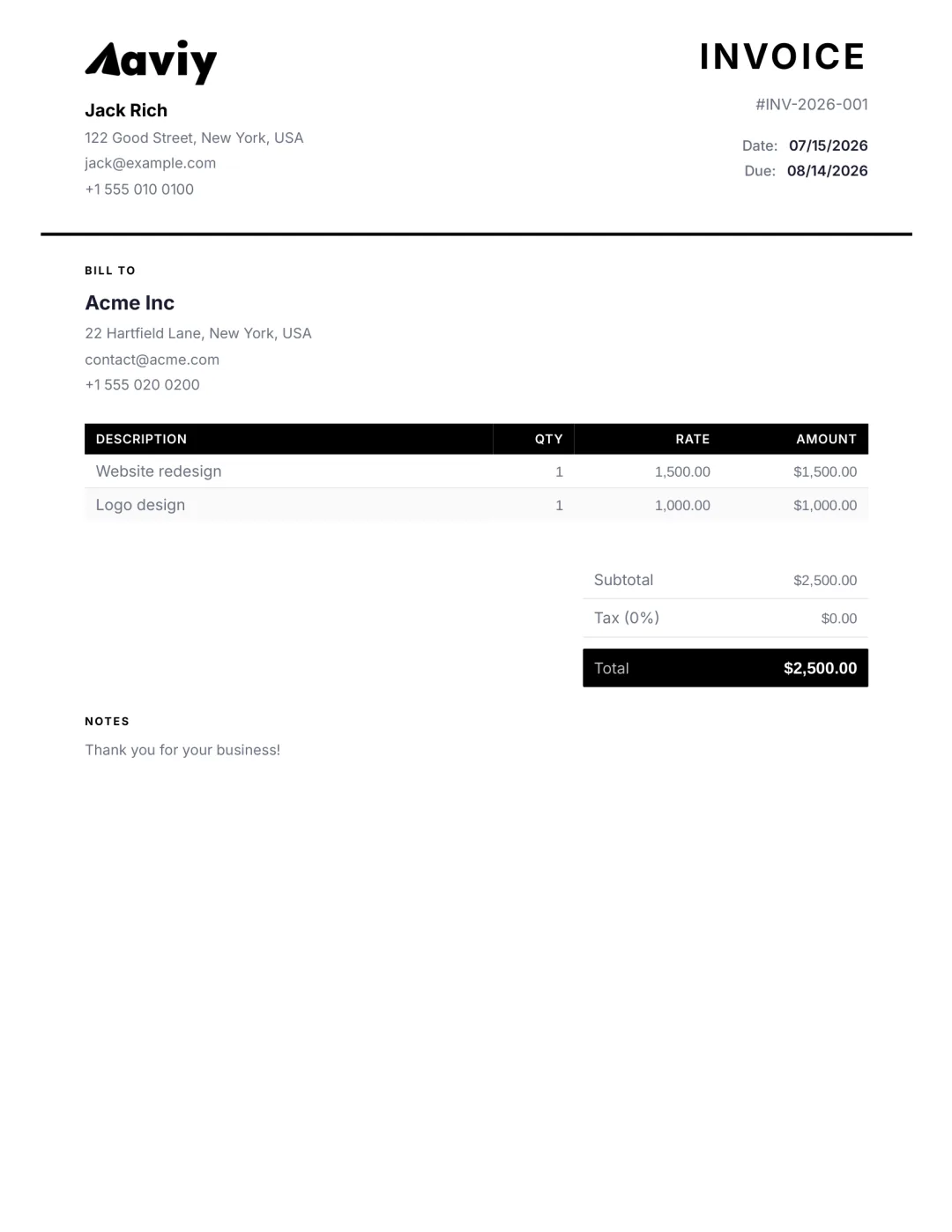
What to put on a security company invoice
- Labour hours and day rates, itemised per task
- Materials and parts, with quantities and unit prices
- Call-out or minimum charge, shown as a separate line
- VAT, GST, or sales tax at the correct rate
- Job address and job/reference number
- Deposit paid and balance due
- Payment terms and bank or card payment details
How to create one with Aviy
- 1Open the AI generator and describe the security company job in a sentence.
- 2Aviy parses the client, line items, amounts, tax, and due date into a finished invoice.
- 3Edit any field, add your logo, brand colour, and signature.
- 4Download the PDF or send it by email, WhatsApp, or SMS — with an online payment link.
In-depth guide
Security Company Invoice Template: Free Guide and Examples
Free security company invoice template with examples. Bill guard hours, patrol routes, alarm monitoring and call-outs the right way and get paid faster.
Read the full security company invoicing guide →Security Company invoice FAQ
What should a Security Company invoice include?
Your business name and contact, the customer and job address, a unique invoice number, the date, an itemised breakdown of labour and materials, any call-out charge, tax, the total due, and your payment terms. Aviy fills all of this in from one sentence.
How do I bill for materials and labour separately?
List labour (hours × rate) and materials (quantity × unit price) as separate line items so the customer can see exactly what they are paying for. Aviy lets you add as many lines as you need and totals them automatically.
Can I take a deposit and invoice the balance?
Yes. Record the deposit as a paid amount and Aviy shows the outstanding balance due, so the customer sees what is left to pay.
Stop copy-pasting spreadsheets
Describe the security company job in one sentence. Aviy generates a finished, professional invoice you can download or send in seconds — for free.