
Free Receipt Template
Free receipt template - confirm payment in seconds
A simple, professional receipt to confirm payment. Capture the amount, payment method, reference, and date - useful for cash sales, refunds, expense records, and tax filing.
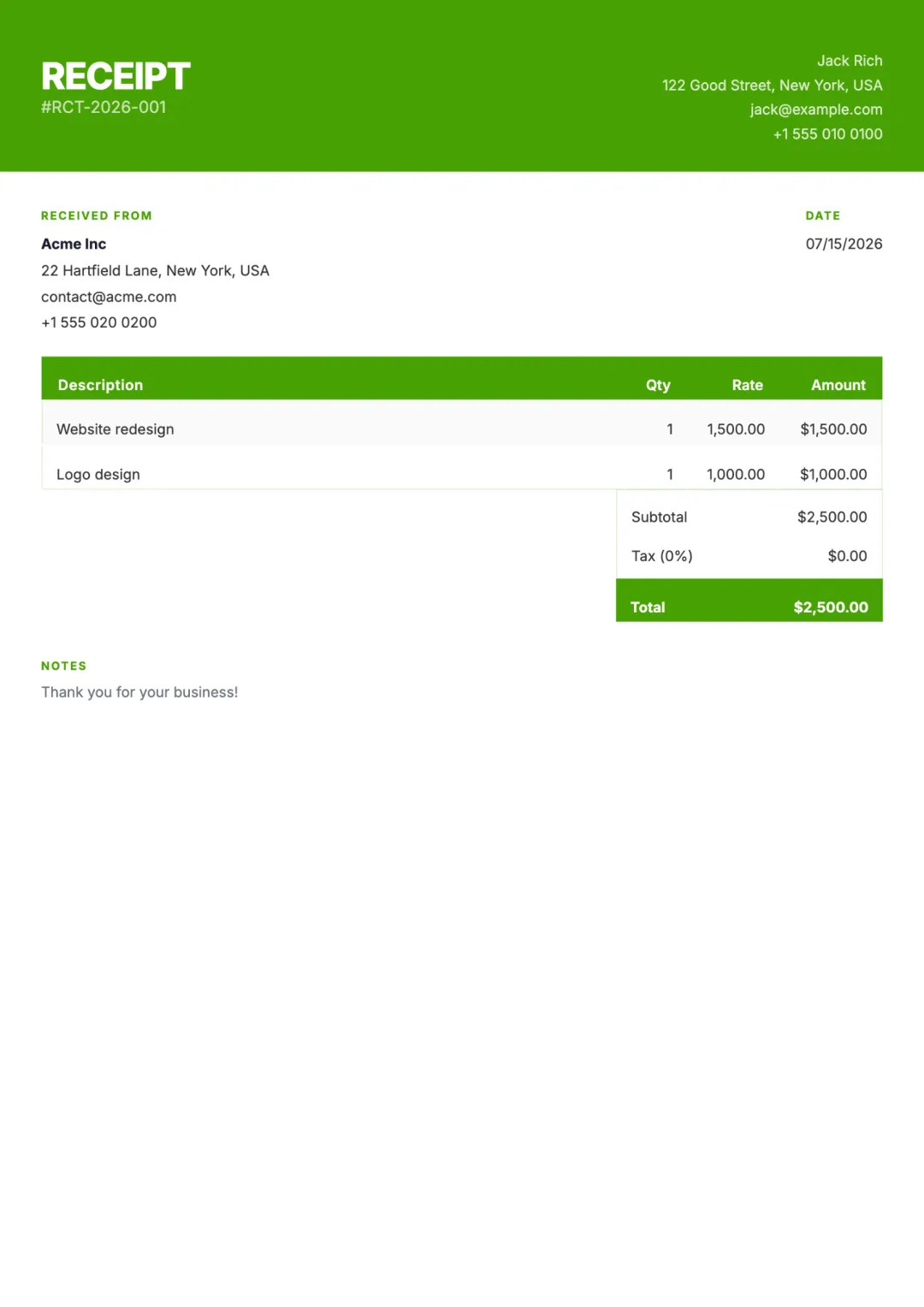
What’s included
- Your business name and logo
- Customer name and contact
- Receipt number and issue date
- Itemised description of goods or services
- Payment method (cash, card, transfer, online)
- Payment reference or transaction ID
- Subtotal, tax, total amount paid
- Currency formatting
- Notes or thank-you message
When to use a receipt
A receipt is sent AFTER a customer pays. It is the formal confirmation that the money has been received and the obligation is closed. Useful for cash transactions, in-person sales, expense reimbursement, and tax records.
Do not confuse a receipt with an invoice. An invoice asks for payment; a receipt confirms payment. If your client paid online via an Aviy invoice — Stripe, PayPal, Square, Paystack, or any other connected provider — the invoice is automatically marked paid - a separate receipt is optional.
How to create one with Aviy
- 1Describe the payment to the AI generator: customer, item, amount, method.
- 2Aviy formats the receipt with a unique number, the payment reference, and totals.
- 3Add a thank-you note or any tax notes you need for compliance.
- 4Email the receipt directly, share a link, or download a PDF for your records.
Receipt template FAQ
When do I need to issue a receipt?
Whenever a customer asks for one, after a cash sale, when a refund has been issued, or when the customer needs proof of payment for tax or expense purposes. In some jurisdictions receipts are required for purchases above a certain amount.
What is the difference between a receipt and an invoice?
An invoice asks for payment - it is sent before payment happens. A receipt confirms payment - it is sent after. Both can include the same line items, but the legal and accounting purposes are different.
Do I need a receipt if the client paid online?
Not strictly. The payment provider's confirmation email and the auto-paid invoice serve as proof. But many clients still prefer a branded receipt from your business. Aviy can generate one in seconds.
Can I include tax on a receipt?
Yes. Aviy supports per-line and per-document tax - VAT, GST, sales tax, HST. The receipt shows subtotal, tax, and total separately, which is what most tax authorities require.
Are receipts free with Aviy?
Yes. Like every other document type, you can create receipts free, no signup required. An Aviy account adds storage and the ability to email-from-Aviy.
Other free templates
Stop copy-pasting templates
Describe what you need in one sentence. Aviy generates a finished receipt you can download or send in seconds - for free.